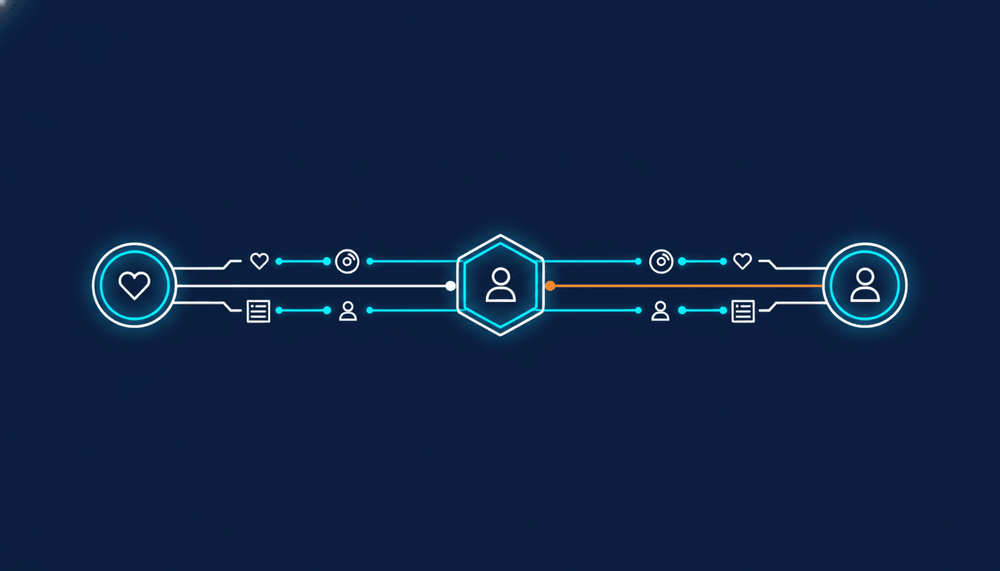
A playlist-only import is not a library import. To transfer liked songs between streaming services you need a different read, a different write and a different matching strategy than the one that copies playlists. Liked songs have no container, so there is no playlist to create on the destination and nothing to group the per-item results under.
This post covers the non-playlist half of a library transfer: liked tracks, saved albums and followed artists. Each one changes the shape of the job, and one of them cannot use the identifier the rest of your match pipeline leans on.
Why a playlist-only transfer leaves most of the library behind
Playlist transfer has a convenient structure. Read the source playlist, create the destination playlist, write tracks into it, repeat. The container gives you a unit of work, a checkpoint and a result row for free.
Likes, saved albums and followed artists give you none of that. They are flat collections that already exist on both accounts. You never create them, you append to them, and a half-finished append looks exactly like a smaller library.
The flat collections are often the bigger half. A listener with 30 playlists can still hold thousands of liked songs saved over a decade. If your onboarding import copies playlists only, the listener arrives in your app, opens their likes and sees an empty screen.
The MusicAPI transfer service documentation lists what a hosted transfer can offer the listener: "playlists, liked (followed) playlists, liked songs, albums, artists and podcasts", limited to the entity types you turn on for that source. Four of those six are not playlists.
The four content types: liked tracks, saved albums, followed artists, playlists
| Content type | Source read | Destination write | Match key |
|---|---|---|---|
| Playlists | List playlists, then walk tracks per playlist | Create playlist, then add tracks in batches | ISRC, then fuzzy fallback |
| Liked tracks | One paged library read | Append to the library in batches | ISRC, then fuzzy fallback |
| Saved albums | One paged library read | Save album on the destination | Track ISRCs or artist and title |
| Followed artists | One paged read, cursor based on Spotify | Follow write, separate scope | Name only |
Two things fall out of that table. The three non-playlist reads are a single flat list rather than a nested walk, so your playlist concurrency plan does not carry over. And the match key changes per row, which is the part teams discover late.
Reading likes from the source service
Through MusicAPI, every connected service answers one path:
GET /api/{userUUID}/liked/tracks
The userUUID is the integrationUserUUID your auth callback returned, and the same path serves liked tracks on Spotify and the other eleven supported services. The endpoint pages list ISRC and preview URLs among the fields returned, which is what lets the first matching pass run without a second lookup per track.
Against a provider directly, the shape differs per content type inside the same API. Spotify's Web API reference (checked 13 October 2026) documents saved tracks at GET /me/tracks, paged by offset and limit, with limit capped at 50 and the user-library-read scope required. Followed artists live at GET /me/following?type=artist, and that one pages by cursor: you pass after, "the last artist ID retrieved from the previous request".
GET /me/tracks?limit=50&offset=1500
GET /me/following?type=artist&limit=50&after=0I2XqVXqHScXjHhk6AYYRe
One import job, one provider, two pagination strategies. Your resume state has to hold both an integer and an opaque cursor, and the cursor cannot jump to an arbitrary position after a crash. Cross-provider paging adds more variants, which the guide to music API pagination for large libraries works through endpoint by endpoint.
Writing to the destination, and what some services refuse
Writes are where the content types diverge hardest, because a library write and a follow write are different endpoints behind different scopes.
Spotify documents following artists as PUT /me/following, taking type and up to 50 ids per request under the user-follow-modify scope, and the reference marks that endpoint deprecated with a pointer to Save Items to Library (checked 13 October 2026). Saving tracks is a separate call under a separate scope.
So "this service supports transfers" is never one boolean. A destination can accept liked-song writes and still give you nothing usable for artist follows, and a provider can move the write under you between releases. Before you promise any content type on any service pair, check the supported features matrix: capabilities differ per service, and that page is the per-service read and write list.
The transfer service turns the same distinction into configuration. Each integration carries an "Entity types offered to users" setting, and the docs are explicit that anything the source service's own API cannot expose stays off and says so. The listener never sees a checkbox for a write that cannot happen.
MusicAPI holds the per-provider OAuth clients, the token refresh, the per-content-type read and write endpoints and the 429 handling behind one path per entity, so the paging differences and scope differences above stop being your code.
Matching: ISRC first, fuzzy fallback, and why artists are the hard case
For tracks, ISRC does most of the work. MusicAPI matches on ISRC first, then falls back to a fuzzy resolver built on a decade of confirmed human corrections from FreeYourMusic, the consumer app from the same company.
For followed artists, ISRC is not available at all. The IFPI's ISRC site states it plainly: "ISRC identifies sound recordings and music videos. ISRC is not used to identify compositions/musical works, music products or performers." An artist is a performer. There is no recording-level code to join on.
That leaves name resolution, with every ambiguity names carry: two bands sharing one name, a diacritic spelled differently on the destination, a feature credit baked into the name string. Albums sit in between. You can reach an album through the ISRCs of its tracks or through artist and title, and the editions (standard, deluxe, remaster, regional) are what make that interesting.
The practical consequence: do not report artist follows in the same bucket as track matches. A 97% track match rate and a 97% artist match rate do not mean the same thing, and one combined number hides where the import actually fell short. For the identifier plumbing underneath, see the breakdown of working with ISRCs, track IDs and cross-platform matching.
Paging a 200,000 item library inside the rate limit
MusicAPI supports libraries of up to 200,000 items. At Spotify's documented 50-item page cap, the liked songs alone in a library that size are 4,000 sequential reads before you write anything.
Three limits shape the plan:
- User endpoints allow 300 requests per minute by default on a new account. A higher limit is an enterprise conversation, not a self-serve setting.
- Endpoints under
/public/allow 1 request per minute per IP address. Never build an import on them. - Upstream 429s from the streaming services are normalized to a 429 with a
Retry-Afterheader, so one backoff path covers every provider.
Cost tracks request volume rather than library size alone. The meter is requests made to the streaming services on your behalf, priced per 1,000, and the pricing calculator assumes roughly 60 source requests plus 120 destination requests per transfer. The first 5M requests a month run at EUR 0.60 per 1,000, with a EUR 500 monthly minimum.
Progress reporting is deliberately coarse. transfer.progress fires when progress crosses a 10% boundary, at most ten times per transfer, so do not drive a per-item UI from it.
Reporting unmatched and low-confidence items per item
transfer.completed carries the summary:
{
  "event": "transfer.completed",
  "data": {
    "transferUuid": "6a002d4b-f95b-471f-a27d-609a42e10cdb",
    "status": "completedWithErrors",
    "totalItems": 1204,
    "matchedItems": 1131,
    "unmatchedItems": 31,
    "skippedItems": 42,
    "failedItems": 0,
    "sourceIntegrationType": "spotify",
    "targetIntegrationType": "tidal"
  }
}
Read status rather than the event name: completedWithErrors still arrives as transfer.completed. Then read the counters correctly. matchedItems counts what we added and skippedItems what the destination already had, so "how much of the library arrived" is the two added together. A re-run of a finished transfer reports almost everything as skipped and almost nothing as matched.
Per-item detail arrives through transfer.item_failed, batched per group run with at most 50 entries in items and the real total in newlyFailedCount. groupType tells you which content type refused, which is how you keep an artist-follow failure out of your track match rate. match.report_ready follows the terminal event to say the unmatched-items report is queryable, and only a transfer that ran to the end gets one: a transfer.failed carrying stage and errorType has no report behind it.
Branch on the stable errorType values only: rateLimited, notAuthenticated, and reauthRequired:source or reauthRequired:target, where the status is waitingForReauth and the transfer keeps everything it already moved. Everything else is a thrown class name that changes when the library changes. Tying those counters back to the source list is the subject of playlist transfer reconciliation, and the same accounting applies to a flat likes collection.
Skip months of OAuth and per-provider SDK work. Sandbox keys are free and instant, and one API moves libraries between 12 streaming services: read the transfer service documentation for the entity types, webhook events and per-item results.
FAQ
Can I run a liked-songs import without talking to sales first?
Signing up in the developer dashboard creates a sandbox account. No card, nothing metered, capped at 5 test listeners in total across services (3 Spotify plus 2 Apple Music, for example). It is a sandbox, not a trial and not a free tier: there is no free production usage, and the EUR 500 monthly minimum starts on the first production call.
Do I have to offer every content type to the listener?
No. Entity types are set per integration, so you can ship liked songs and playlists first and add albums or artists later. Anything the source service's own API cannot expose stays off.
How many source and destination combinations does this cover?
Twelve services are supported: Spotify, Apple Music, YouTube Music, Tidal, Amazon Music, Deezer, SoundCloud, Audiomack, Audius, Boomplay, Napster and Qobuz. That is 132 service-to-service directions, in any direction.
Will a second run duplicate a listener's likes?
Items already on the destination come back as skippedItems rather than matchedItems, so a re-run of a finished transfer reports almost everything as skipped and changes almost nothing.