Deezer
MusicAPI holds the Deezer credentials used to authenticate your listeners. They are used solely to facilitate music transfers a listener has authorised, the same way FreeYourMusic works. You do not need a Deezer developer account, and you never store Deezer tokens.
Enable Deezer
- Open the MusicAPI Developer Dashboard and go to Integrations.
- Mark Deezer as Enabled so listeners see it as an option.
- Use the Test Deezer button to run the login flow once with your own account.
Listeners see your business name and logo on the authorisation screen. Set both under Account in the dashboard.
Redirect listeners to Deezer
To open the Deezer authorisation flow directly:
Or let listeners pick from every service you enabled:
After authorisation the listener returns to your returnUrl. See Authentication Callback for the payload.
Deezer specifics
- Flow and editorial playlists are read-only upstream. User playlists and favourites support both reads and writes.
- Deezer does not return ISRCs, so matching into Deezer runs on normalised text.
Advanced: use your own Deezer developer app
You do not need this for a standard integration. Use it only when you already run a Deezer developer app and want listeners to authorise that app instead of the MusicAPI one.
Steps for your own Deezer app
-
Log in to Deezer for developers and click Create a new application.
-
Set the Redirect URI to exactly:
-
Open the application and copy the Application ID and Secret Key.
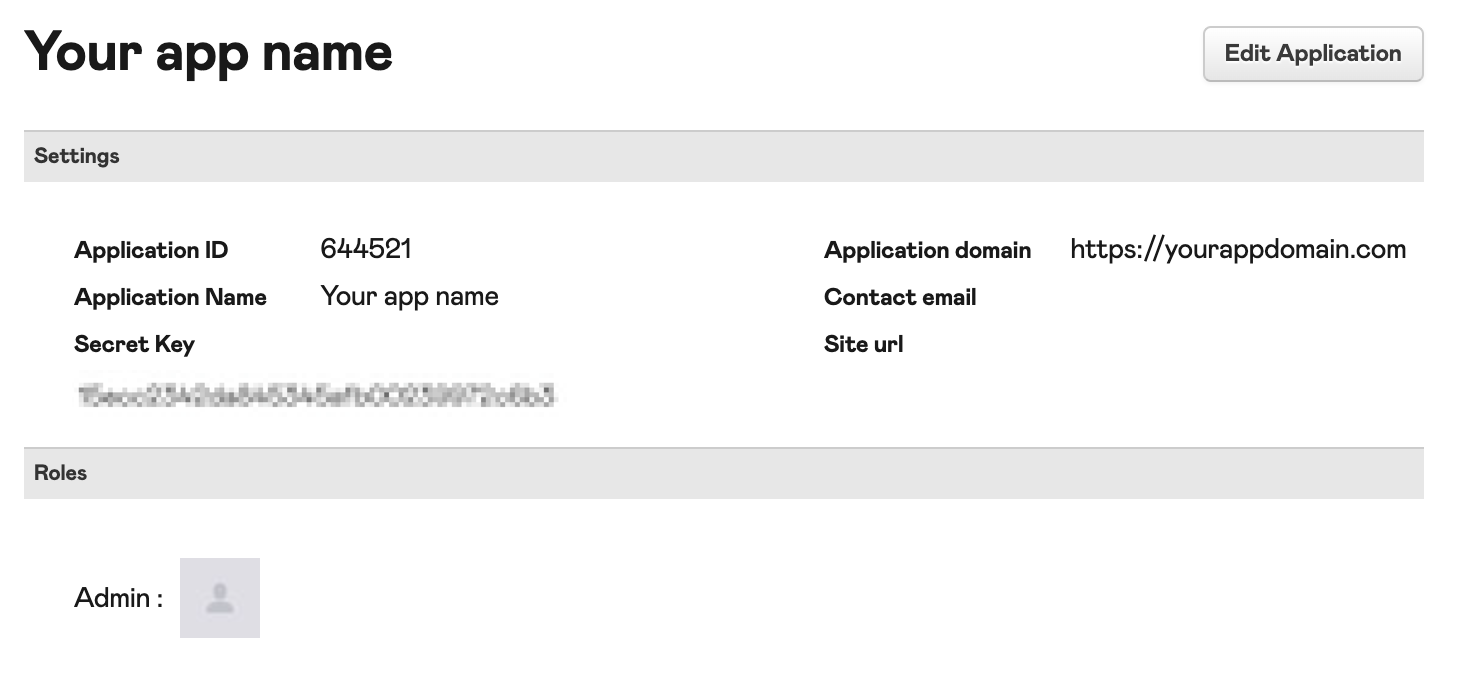
Then, in the MusicAPI Developer Dashboard, open Integrations, paste the credentials into the Deezer integration and save.