Tidal
MusicAPI holds the Tidal credentials used to authenticate your listeners. They are used solely to facilitate music transfers a listener has authorised, the same way FreeYourMusic works. You do not need a Tidal developer account, and you never store Tidal tokens.
Enable Tidal
- Open the MusicAPI Developer Dashboard and go to Integrations.
- Mark Tidal as Enabled so listeners see it as an option.
- Use the Test Tidal button to run the login flow once with your own account.
Listeners see your business name and logo on the authorisation screen. Set both under Account in the dashboard.
Redirect listeners to Tidal
To open the Tidal authorisation flow directly:
Or let listeners pick from every service you enabled:
After authorisation the listener returns to your returnUrl. See Authentication Callback for the payload.
Tidal specifics
- Hi-res and MQA variants of one recording resolve to one ID, so repeated writes stay idempotent.
Advanced: use your own Tidal developer app
You do not need this for a standard integration. Use it only when you already run a Tidal developer app and want listeners to authorise that app instead of the MusicAPI one.
Steps for your own Tidal app
-
Log in to the Tidal for Developers Portal and click Create App.
-
Set the Redirect URI to exactly:
-
Open App Overview and copy the Client ID and Client Secret.
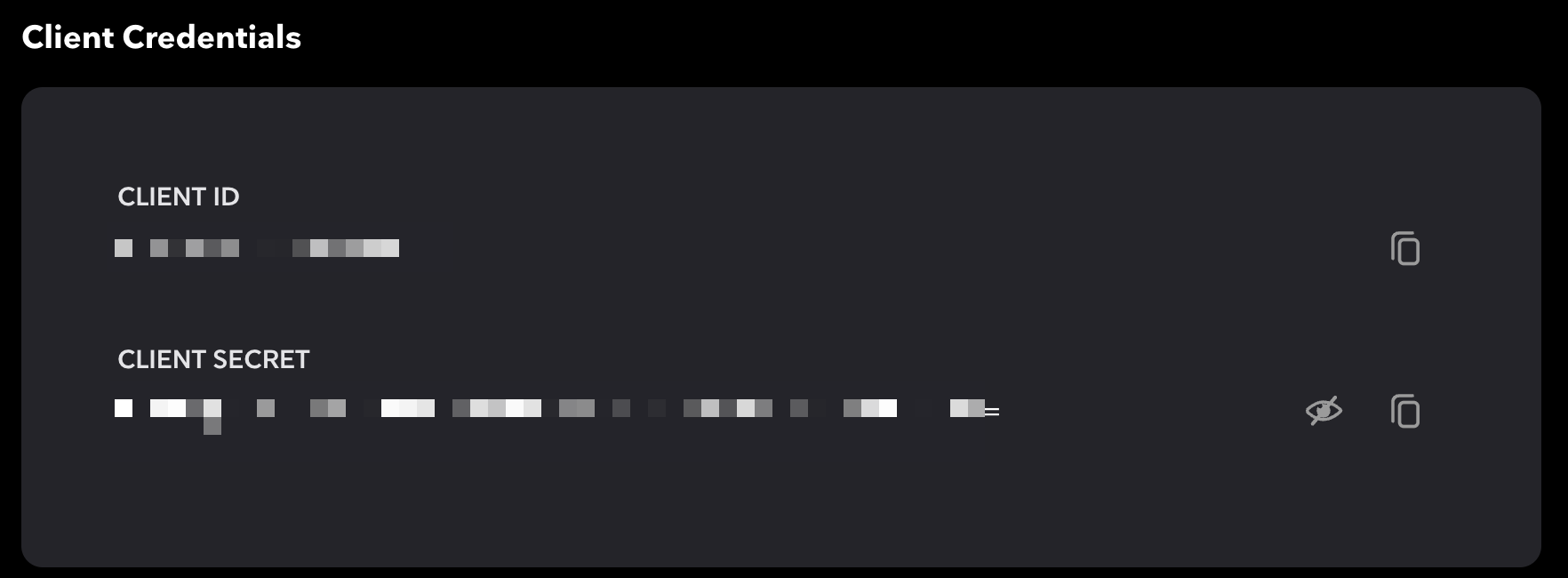
Then, in the MusicAPI Developer Dashboard, open Integrations, paste the credentials into the Tidal integration and save.